 If you’ve been anywhere near a screen this month, you saw the Canvas breach unfold in real time, where the ransomeware group known as ShinyHunters dropped a “rooting your systems since ’19 ;)” page onto the dashboards of nearly 9,000 schools during finals week. Instructure papered it over with a “scheduled maintenance” message that even the most gullible saw through. A few days later, they ended up paying the ransom in exchange for “shred logs” and a pinky-promise that no customers would be extorted further.
So when I sat down in a packed room at BSides Tampa 13 this past Saturday for a talk titled Dealing with Shadows: A Day in the Life of a Threat Actor Negotiator the timing felt less like a conference session and more like a debrief.
The speaker was Matt Barnett, CEO and co-founder of SEVN-X, a Pennsylvania-based cybersecurity firm. Matt spends his working hours talking to criminals on the dark web on behalf of clients whose systems have just been encrypted, whose data has just been exfiltrated, or frequently both. He was joined onstage (in spirit, anyway) by his colleague Dave Zofran, who Matt repeatedly tried to make wave at the audience and who, in the great tradition of every backstage engineer at every conference ever, was having none of it.
This was easily one of the best talks of the day. Matt is jokey, sweary, self-deprecating, and irreverent, and the audience stayed well past the scheduled end for a Q&A that ended only because it was time for the closing keynote and raffle for Chris Machowski’s amazing BSides posters. Here’s what I took away.
“My career is a series of clerical errors”
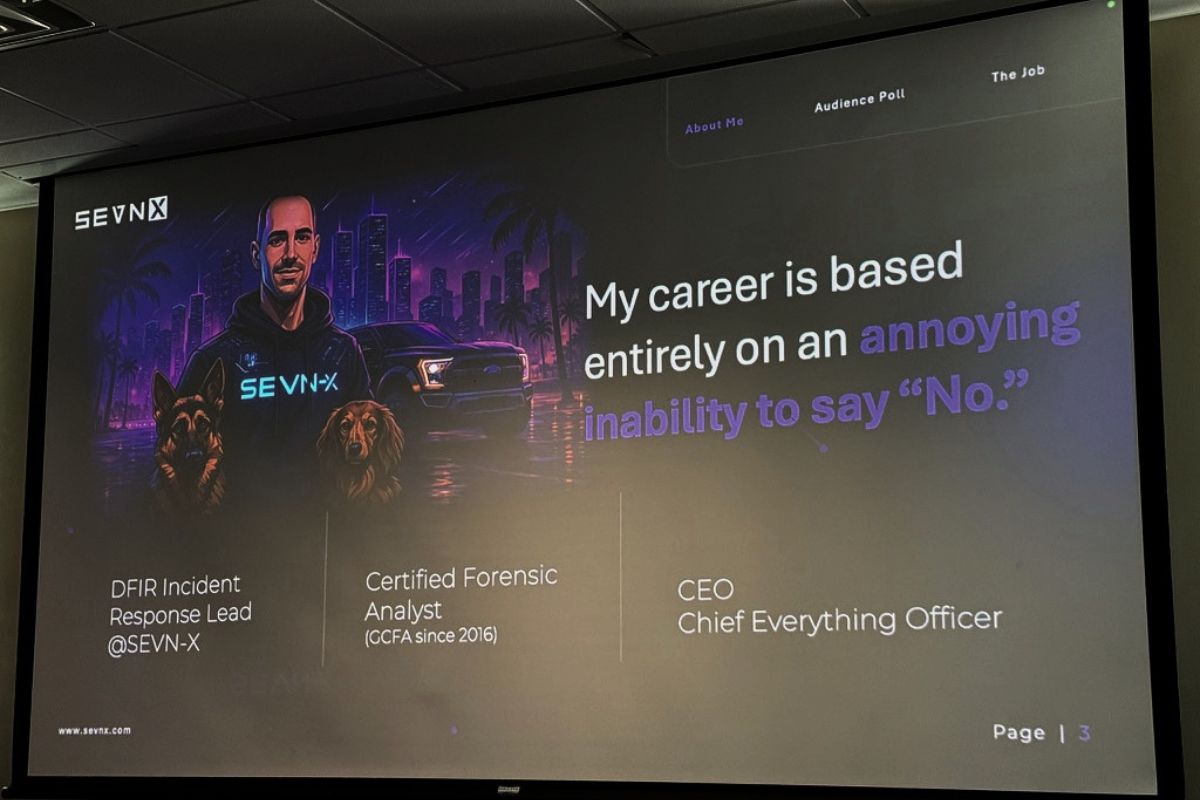
Matt opened by describing his career path as “mostly an annoying inability to say no to things.” Somebody asked him if he wanted to do physical penetration testing. Sure. Forensic analysis school? Sure. Want to talk to criminals on the dark web? Hell yeah. Do you know what you’re doing? Not a clue. We’ll figure it out.
He compared himself to Jim Carrey in Yes Man, which he claimed was autobiographical. As somebody whose own career has been driven in no small part by saying yes to the next weird thing (DevRel, accordion-on-stage, organizing meetups, writing this blog for two decades), I felt seen.
Before getting into the meat of it, Matt did a room survey: students, IT folks (“the unpaid group, maybe the underpaid group”), cyber pros with one-to-five years (“the unjaded ones, because you still believe you can make a difference”), and the over-fives (“the unbothered”). Then he asked if there were any vendors in the room, and offered them the mic. Nobody took him up on it. They know a trap when they see one.
Myth-busting: paying ransoms, double-dipping, and “why does this exist?”
Matt opened with a couple of myths he wanted to put to bed.
Myth number one: Paying ransoms is illegal. Nope. Some payments are illegal, specifically payments to entities on the OFAC sanctions list, which is why you don’t want amateurs handling the wire. Ransom payment as a category is not, in itself, against the law.
Myth number two: You don’t always get what you pay for. Mostly false, with caveats. Double and triple extortion happen, but in Matt’s experience, they’re typically different groups exploiting the same unpatched Fortinet firewall (a refrain that came up roughly every six minutes during the talk; more on that in a moment), and not the original group going back on its word. Reputable ransomware crews are, weirdly, reputable, and that’s because their business model depends on it.
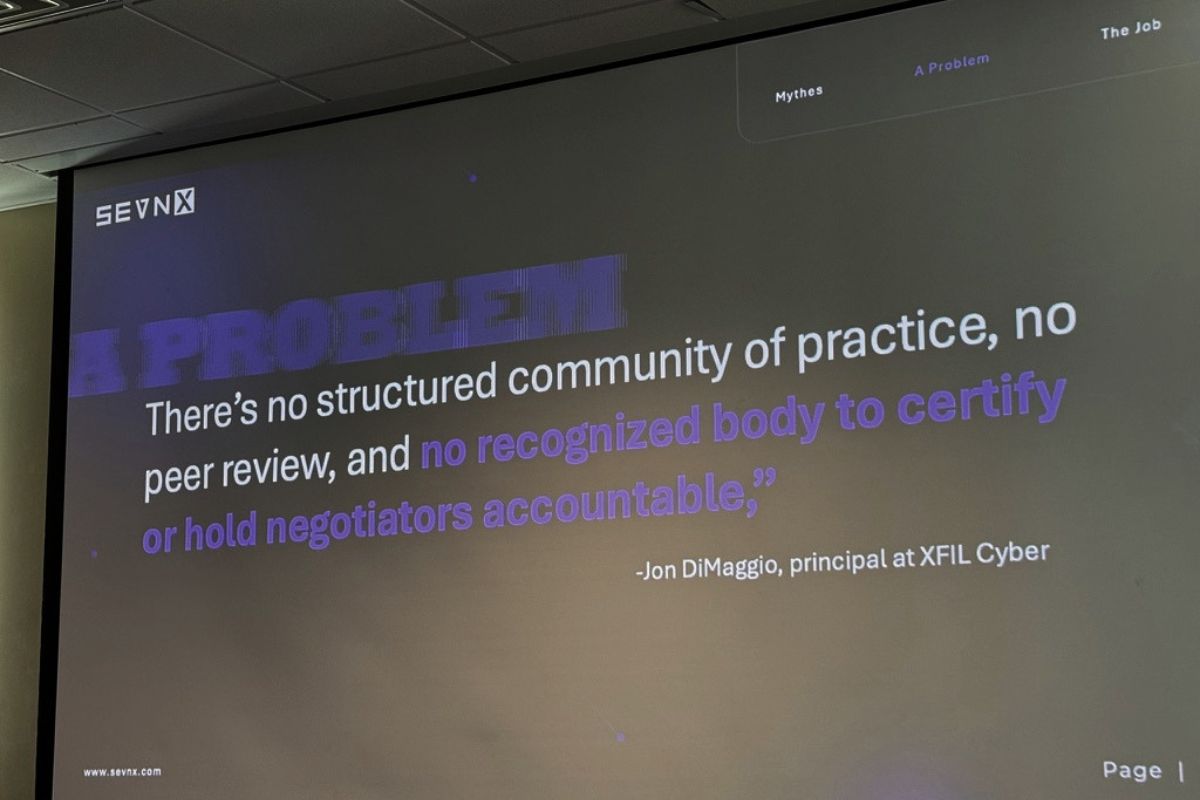
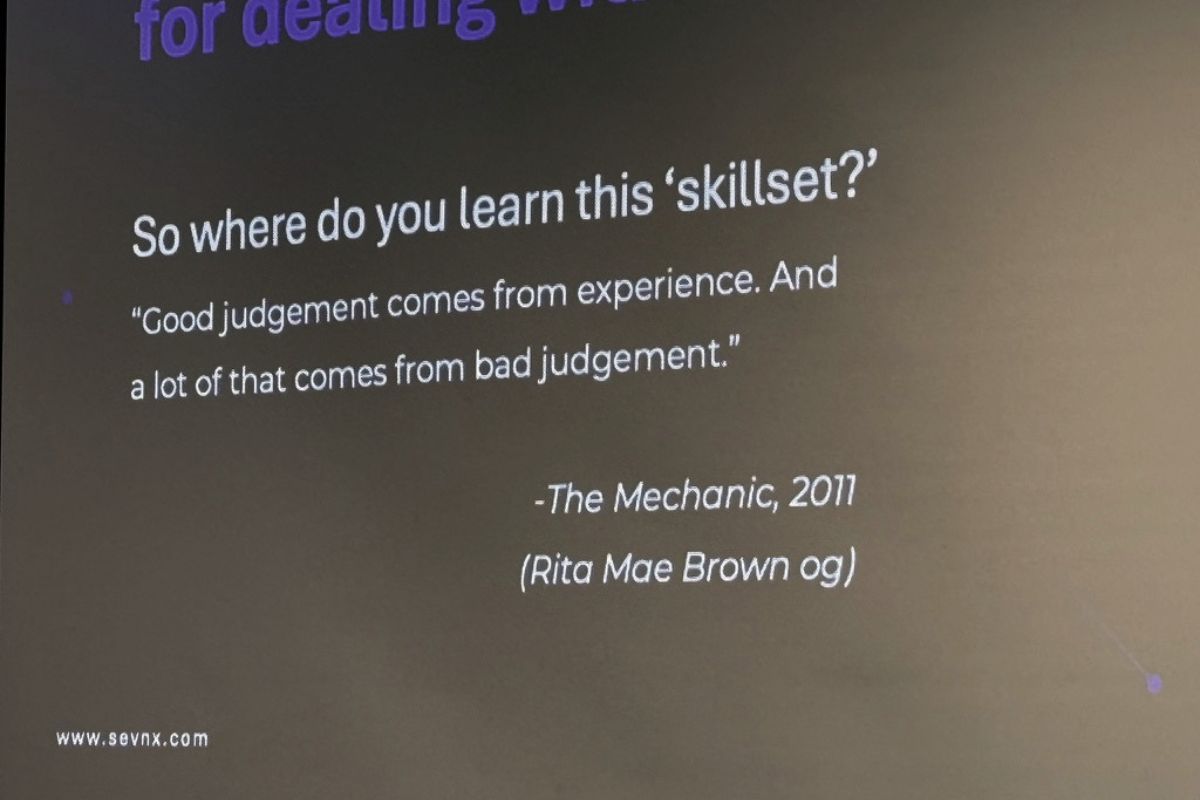
There is, however, no certification body for what Matt does. He has a GCFA, meaning that he’s a certified forensic analyst, but there’s no such thing as a certified-ransomware-negotiator credential. He quoted Jon DiMaggio (whom he says everyone calls ”Joe”) on the state of the field: nobody can really tell you whether you’re good at this job. You learn it the way Jason Statham’s character in The Mechanic learned his trade: “Good judgment comes from experience, and a lot of that comes from bad judgment.”
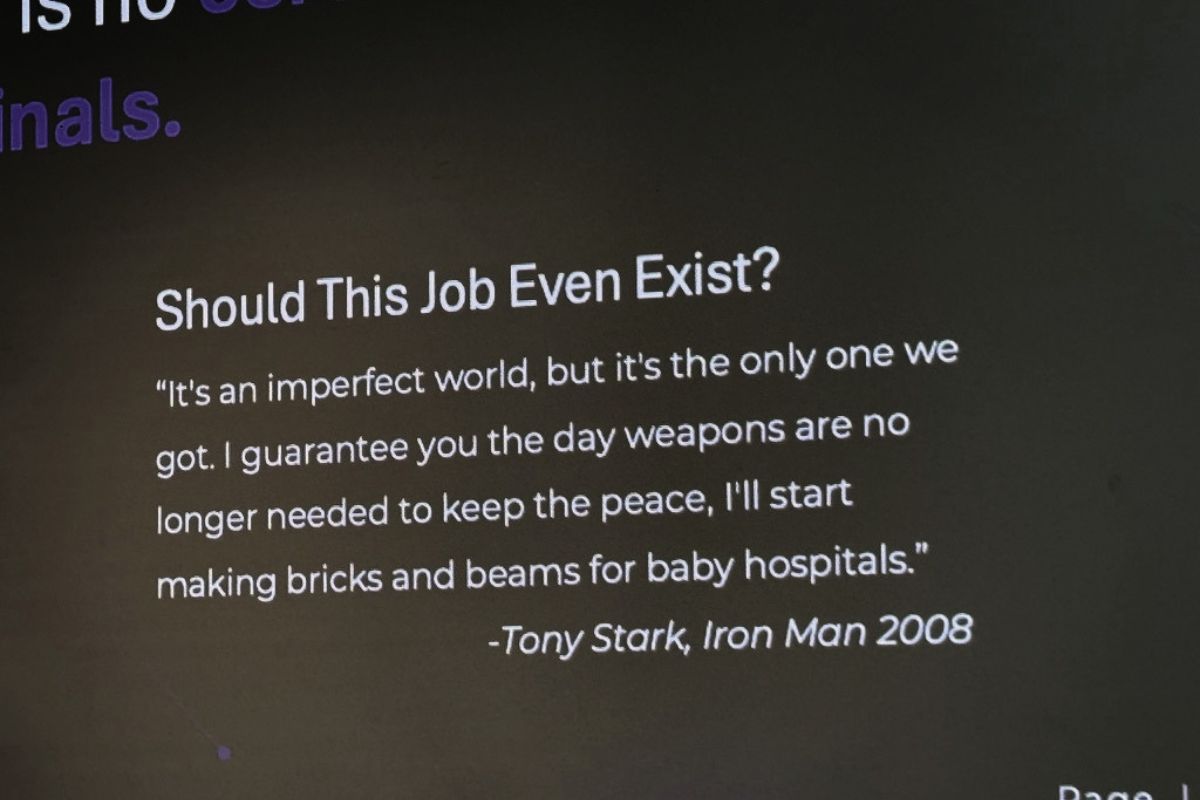
And on the moral question of “Why do negotiators exist at all? Doesn’t paying ransoms just feed the system?”, Matt invoked Tony Stark from the first Iron Man (alas, he’s no fan of the sequels): “It’s an imperfect world, but it’s the only one we got. The minute we don’t need threat actor negotiators anymore, I will build bricks and beams for baby hospitals.”
The ransomware industry is, in fact, an industry
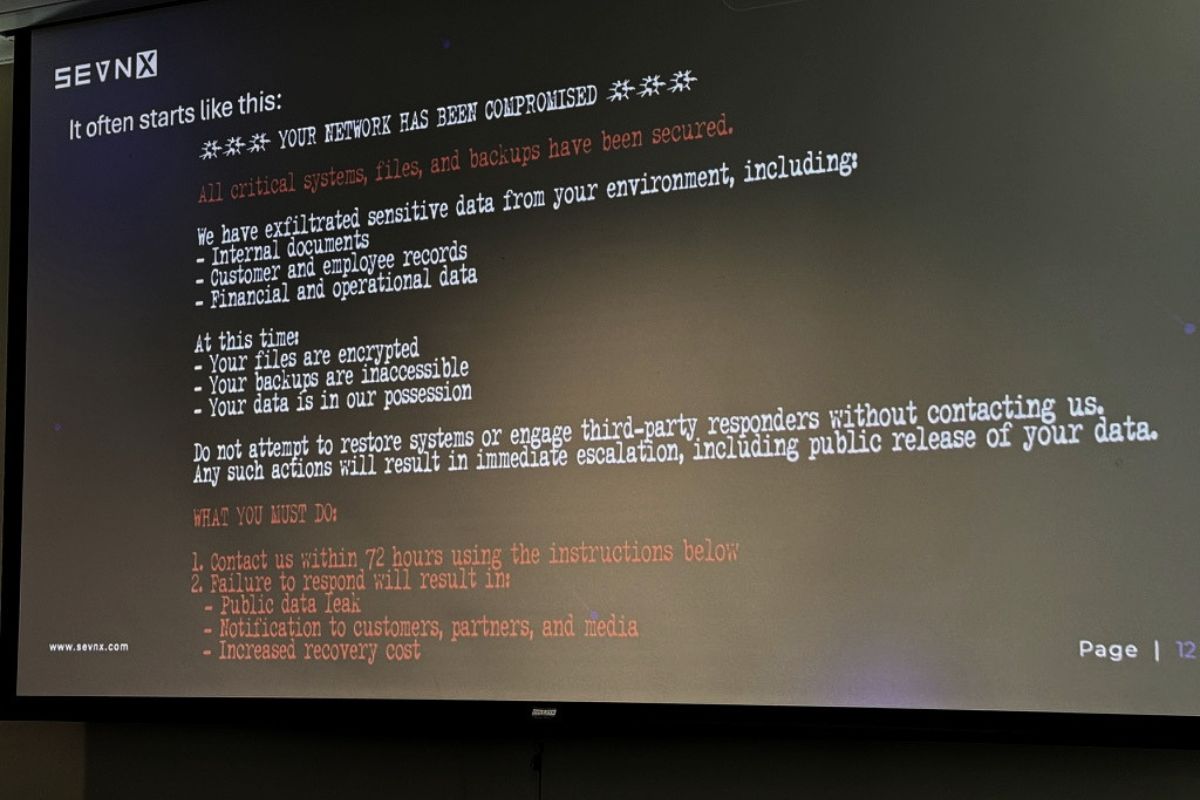
Probably the most important reframe in the talk (and one I’m going to be repeating to people at NetFoundry and at Tampa Bay AI meetups) is that the mental image of “ransomware operator” most non-security people still carry around is wildly out of date.
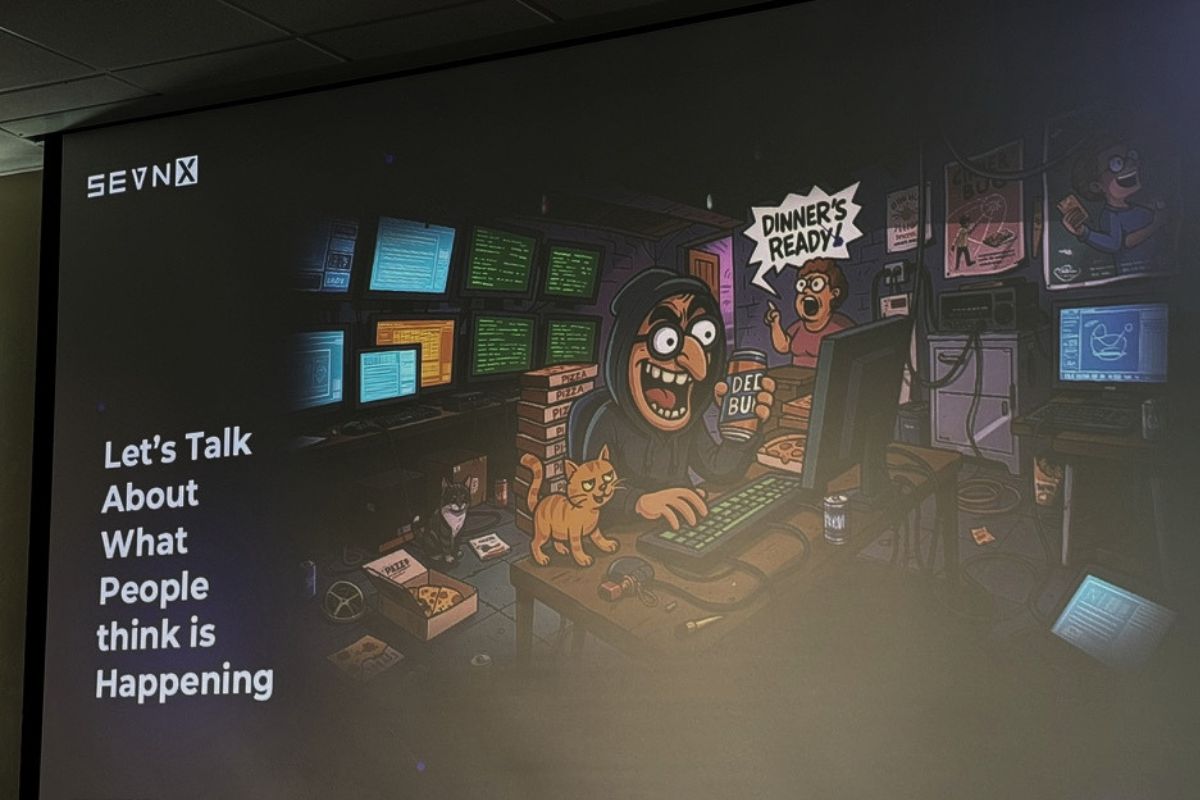
The kid in his mom’s basement, surrounded by cold pizza, while she yells about meatballs? Not a thing anymore. Or more accurately, never coming back to a screen near you. Modern ransomware groups are full-on enterprises with:
- Ransomware developers
- Initial access brokers
- Software and codebase maintainers
- AI specialists (yes, really)
- Web devs building the victim portals
- Customer service / “help desk”
- Translators (or rather, prompt engineers driving Google Translate and Claude and ChatGPT)
- HR. HR.
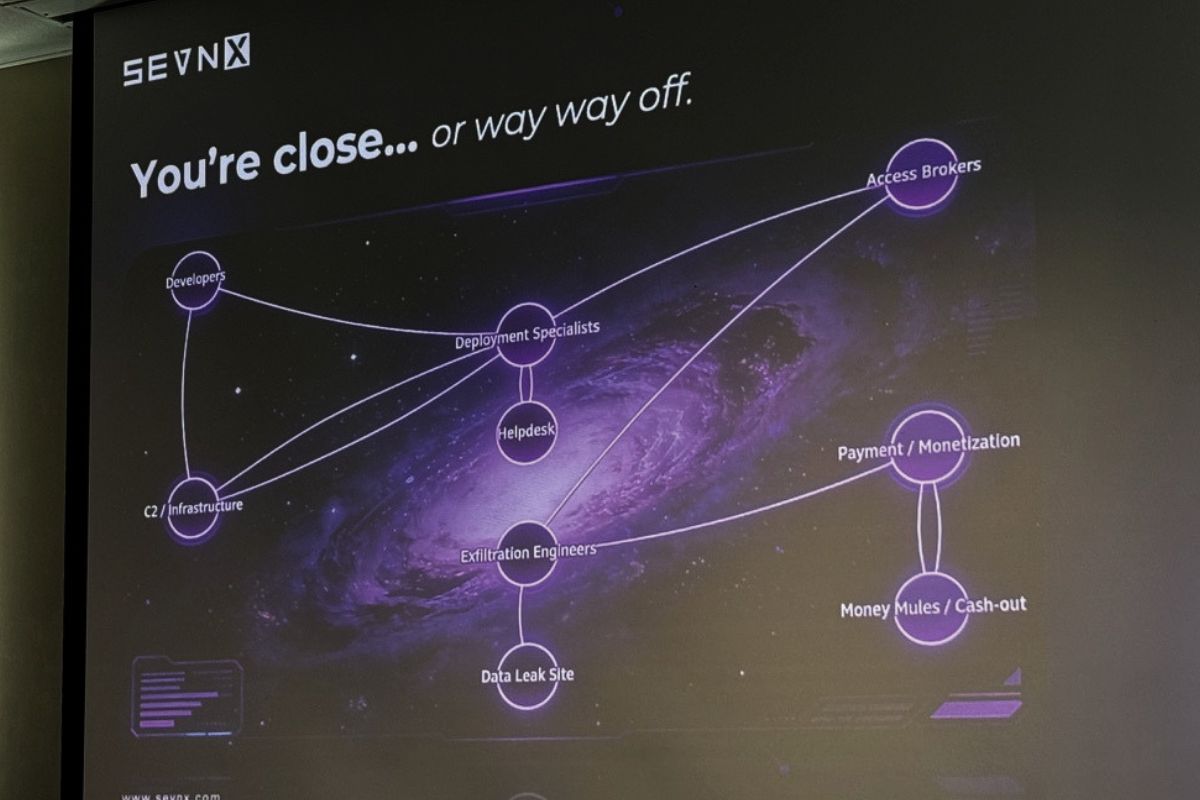
“I don’t know if they have benefits,” Matt said. “The minute they have benefits, I might consider a career change.”
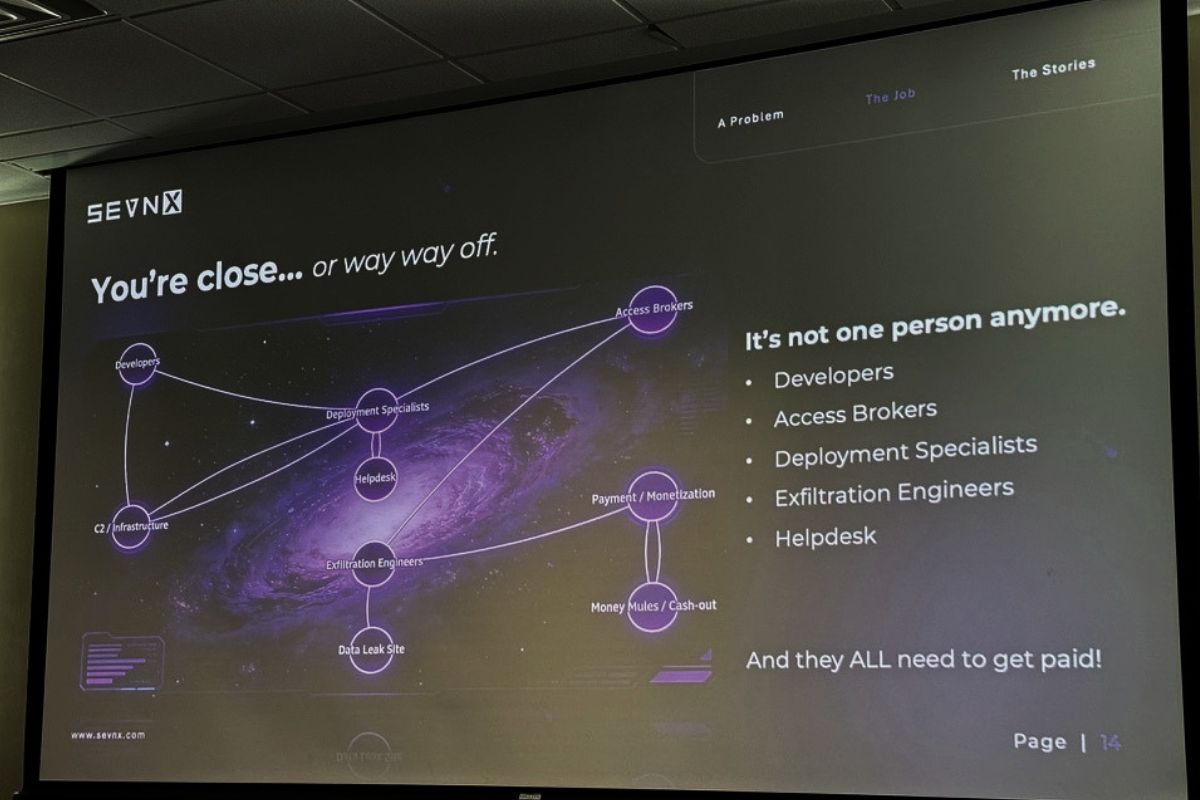
These aren’t lone actors. They’re businesses, and in many cases they’re tacitly or explicitly protected by their host governments because the money flowing back into their towns and villages props up local economies. As Matt put it: they’re heroes where they live. Which is one of those facts about the modern threat landscape that you have to sit with for a minute before you can keep going.
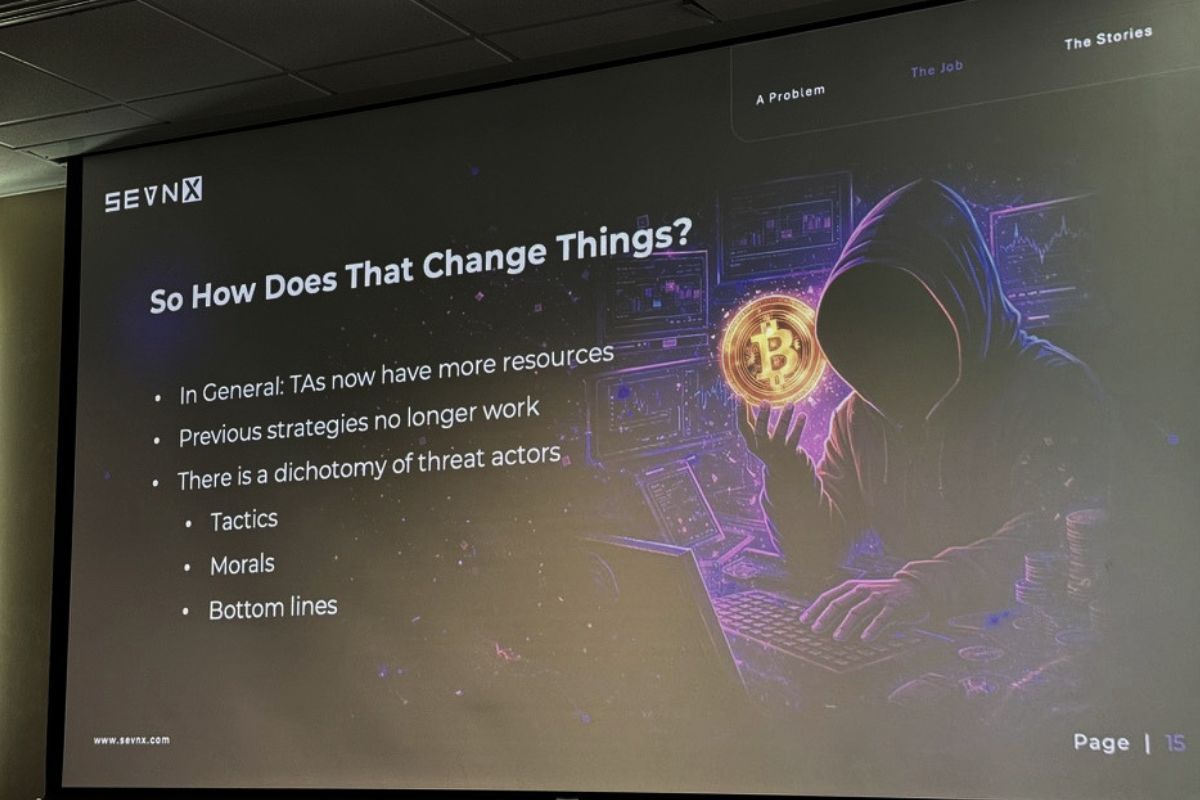
The shift to enterprise has changed everything about negotiation strategy. The old groups sometimes had a moral compass; for example, there was a group that would hand over decryption keys for free if they realized they’d accidentally hit a hospital, and another that announced they were retiring after they hit a billion dollars and then actually published a master decryption key on their way out. Those days are over. Today’s groups operate on margin and SLA, like any other B2B company. They just happen to be in the extortion vertical.
“Why use a negotiator?” Because you know everyone at your company.
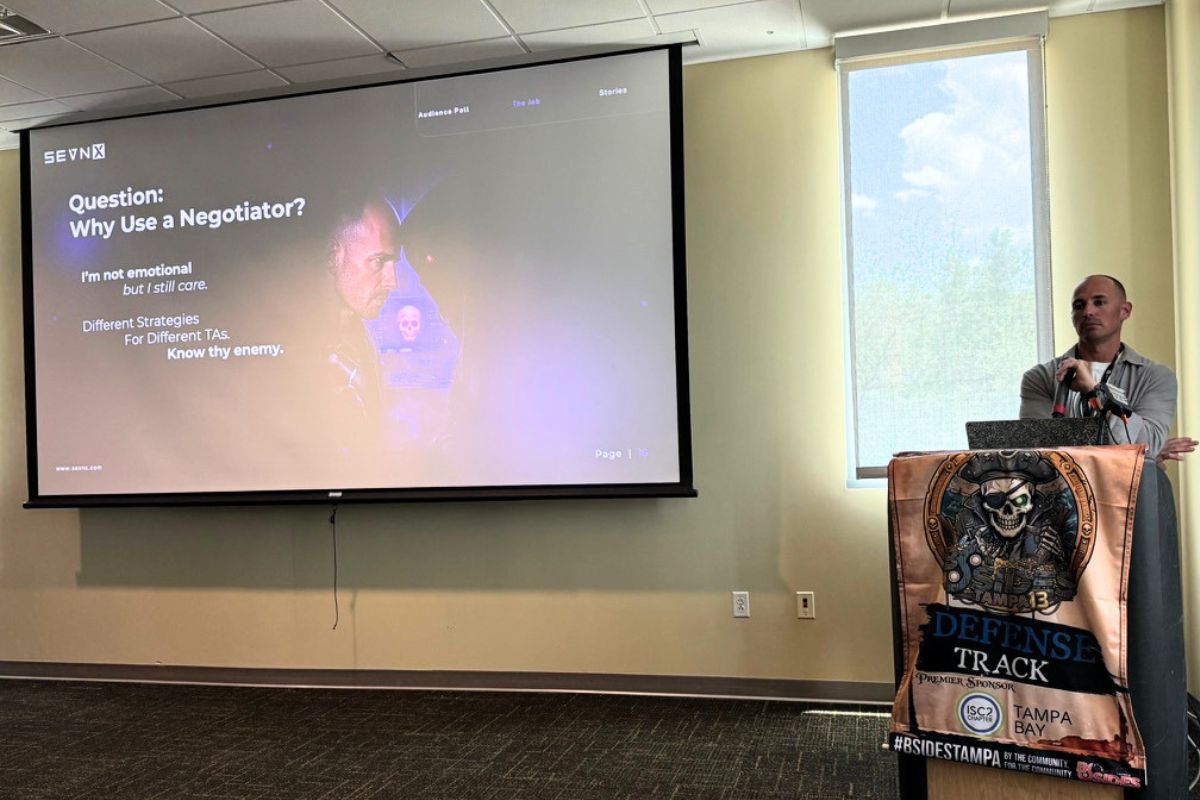
Here’s a part of the talk worth keeping in mind should you find yourself or your company at the mercy of a ransomware organization.
Matt asked how many of us had worked at our current job for more than a year. Then more than five. Then more than ten. Then he asked the ten-plus hands: do you have kids? Because if you do, you have worked with these people longer than your kids have been alive. You know your coworkers better than you know your spouse, your friends, sometimes your own children.
Which means when your company gets ransomed, you’re most likely not going to be a calm, collected, rational actor. You’re a person watching your work-family bleed out, and you will do dumb things because of it. This is exactly why, in hostage negotiations, local PD will bring in officers from another jurisdiction the moment they realize anyone involved knows anyone involved. Emotional distance is the whole point.
A negotiator isn’t there because they’re smarter than you. They’re there because they don’t know your accounts receivable manager who just had her first kid, and that distance is, perversely, a gift.
The other thing negotiators bring is pattern recognition across hundreds of cases. There are really only two companies in the U.S. that actually facilitate ransom payments because it’s a risky line of work. Matt didn’t name them, but they’re not hard to find, and the negotiators who work with them have visibility into asks, settlements, durations, and outcomes that no individual victim can possibly have. Which brings us to the data.
Ransomware company discount curves
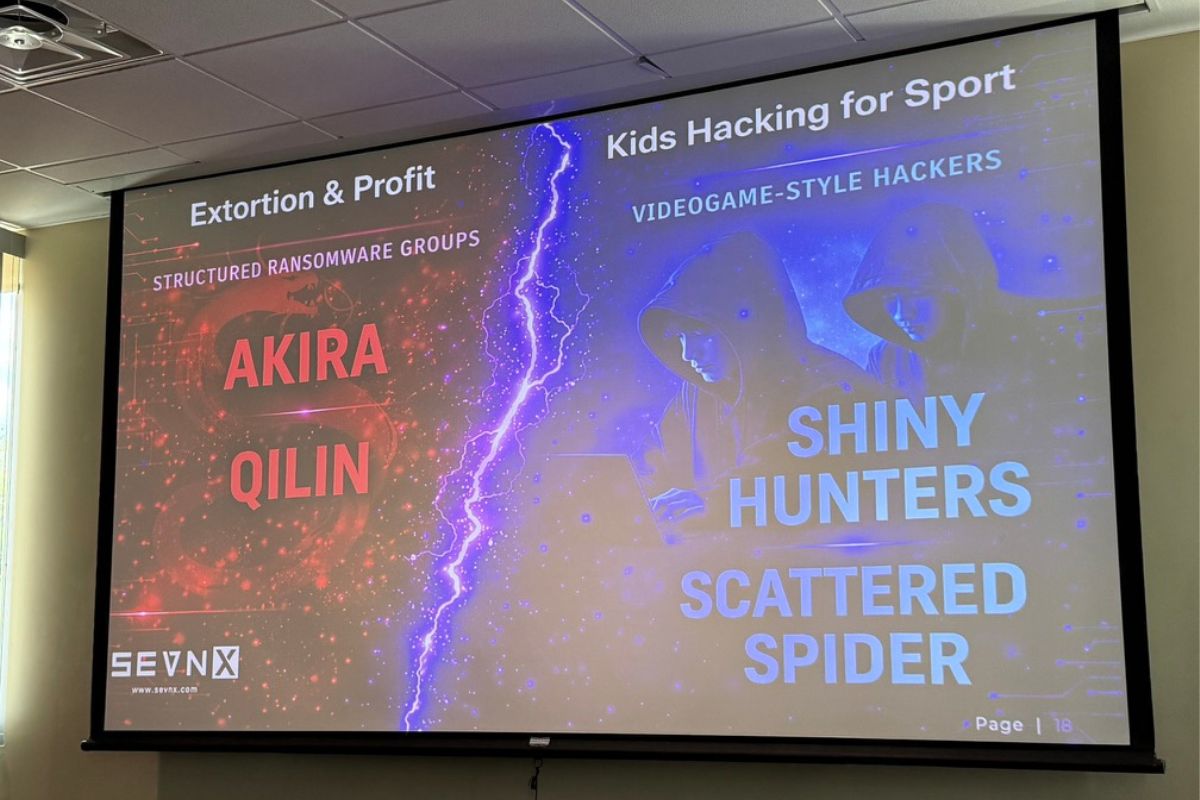
Hey, actual numbers!
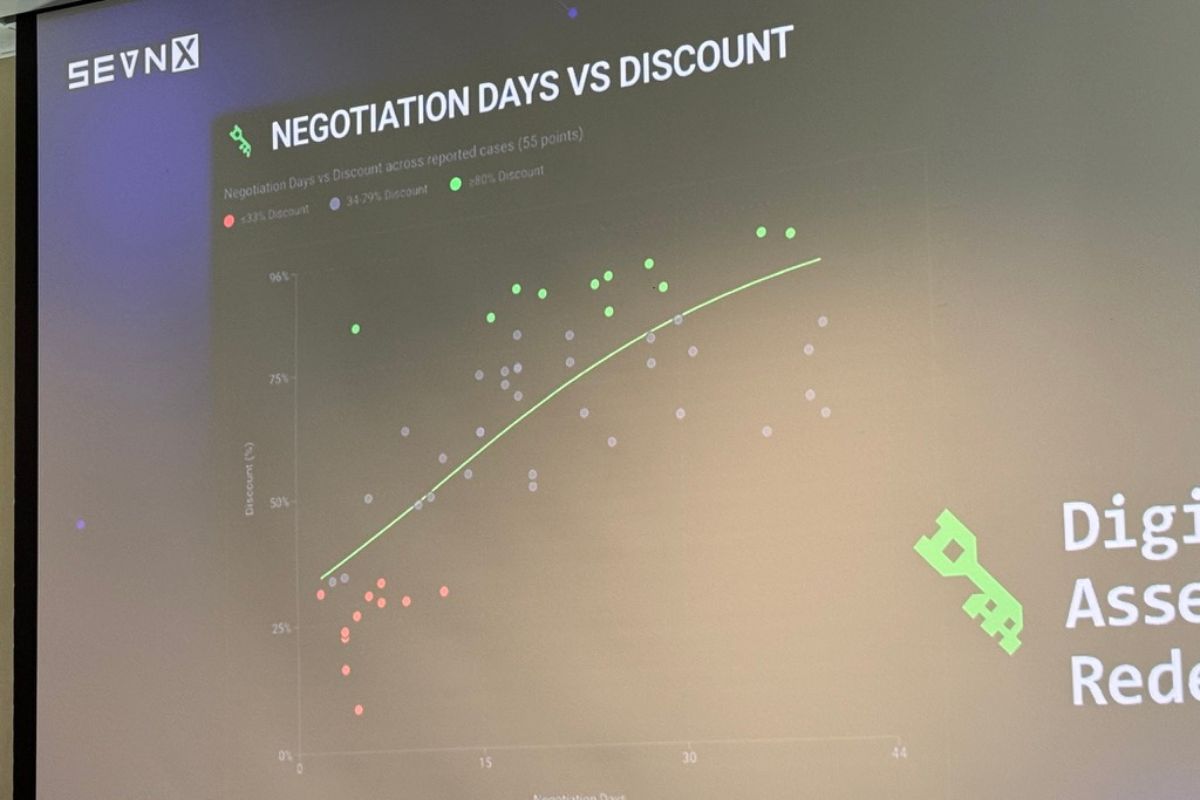
Matt put up actual data from the last 12 months of facilitated payments. I’m reproducing the highlights here because they’re genuinely useful for anyone thinking about cyber insurance, incident response runbooks, or just calibrating their understanding of the threat landscape.
Akira (traditional / technical, business-oriented group)
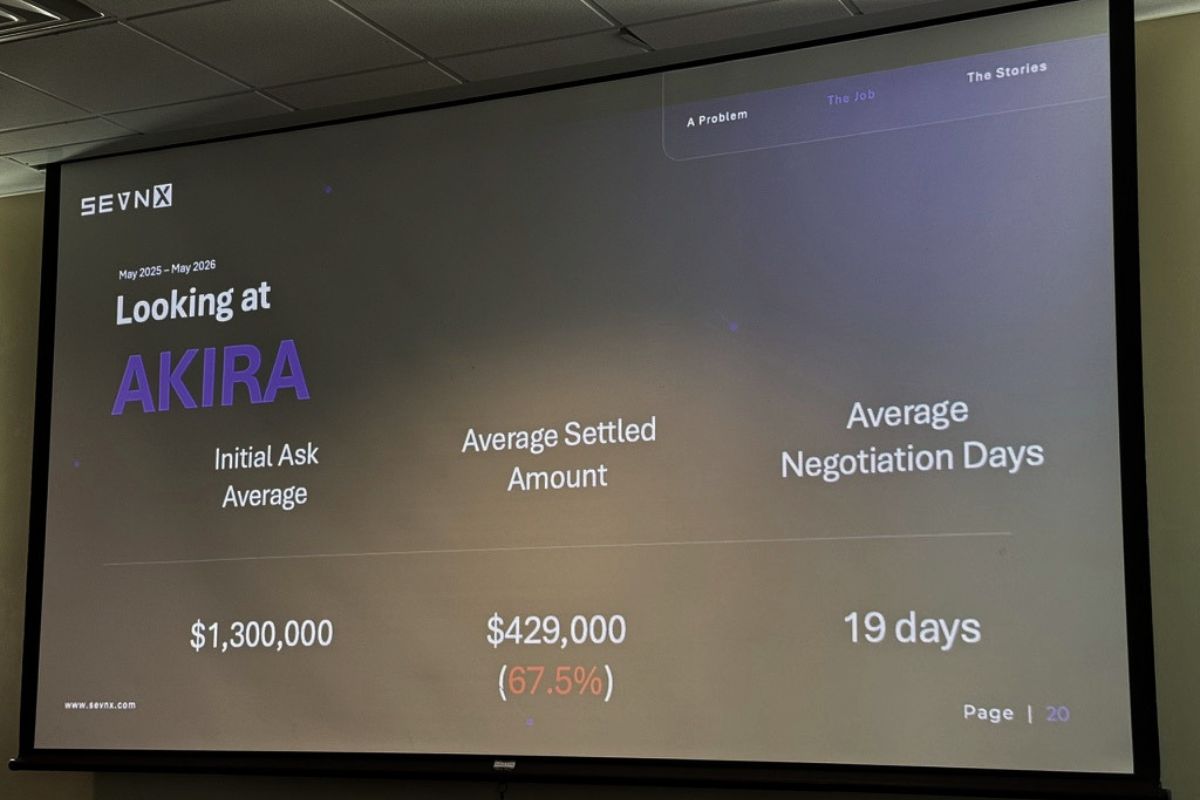
- Average initial ask: ~$1.3 million
- Average settled payment: ~$429,000
- Average discount: 60–70%
- Average duration: ~20 days
Qilin (pronounced “CHEE-lin”; it’s Chinese and denotes a magical creature close in spirit to a unicorn or magical giraffe)
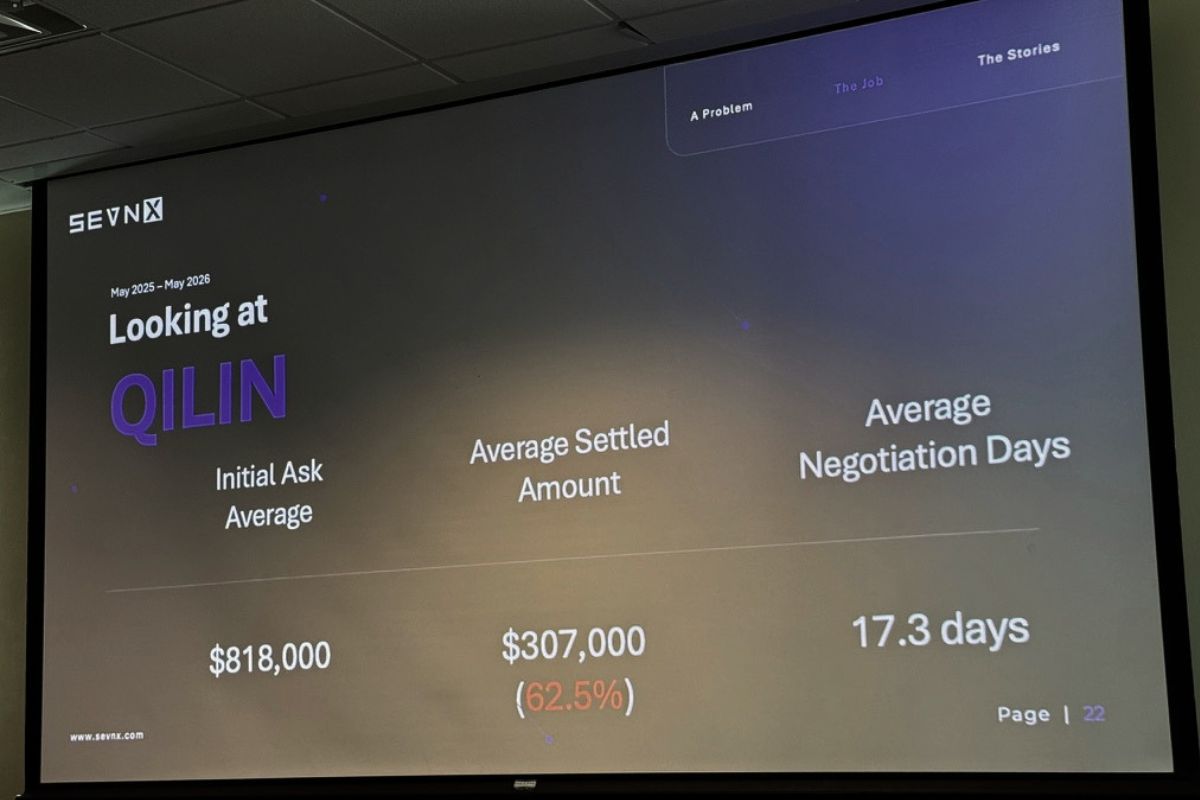
- Average initial ask: ~$800,000
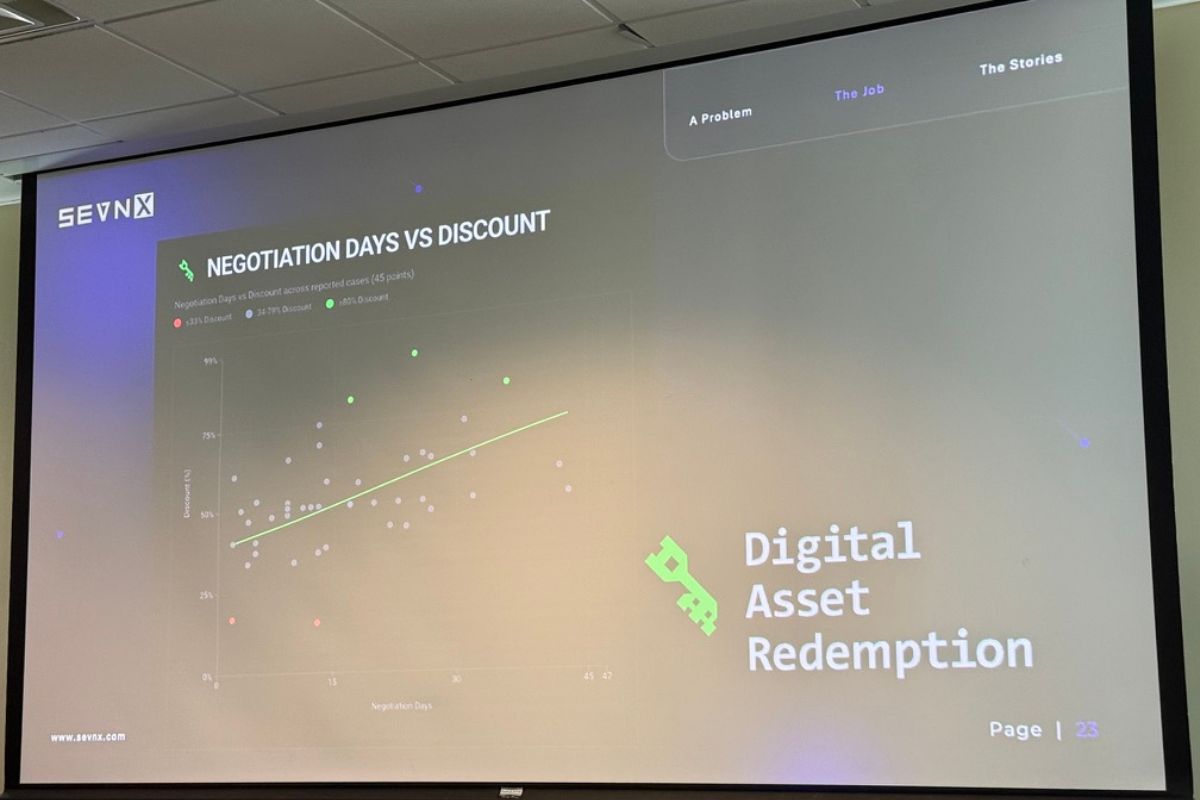
- Average discount: ~62.5%, but with a hard floor around 50%
- Tighter statistical clustering than Akira
ShinyHunters (the new kids; social engineering and help desk scams)
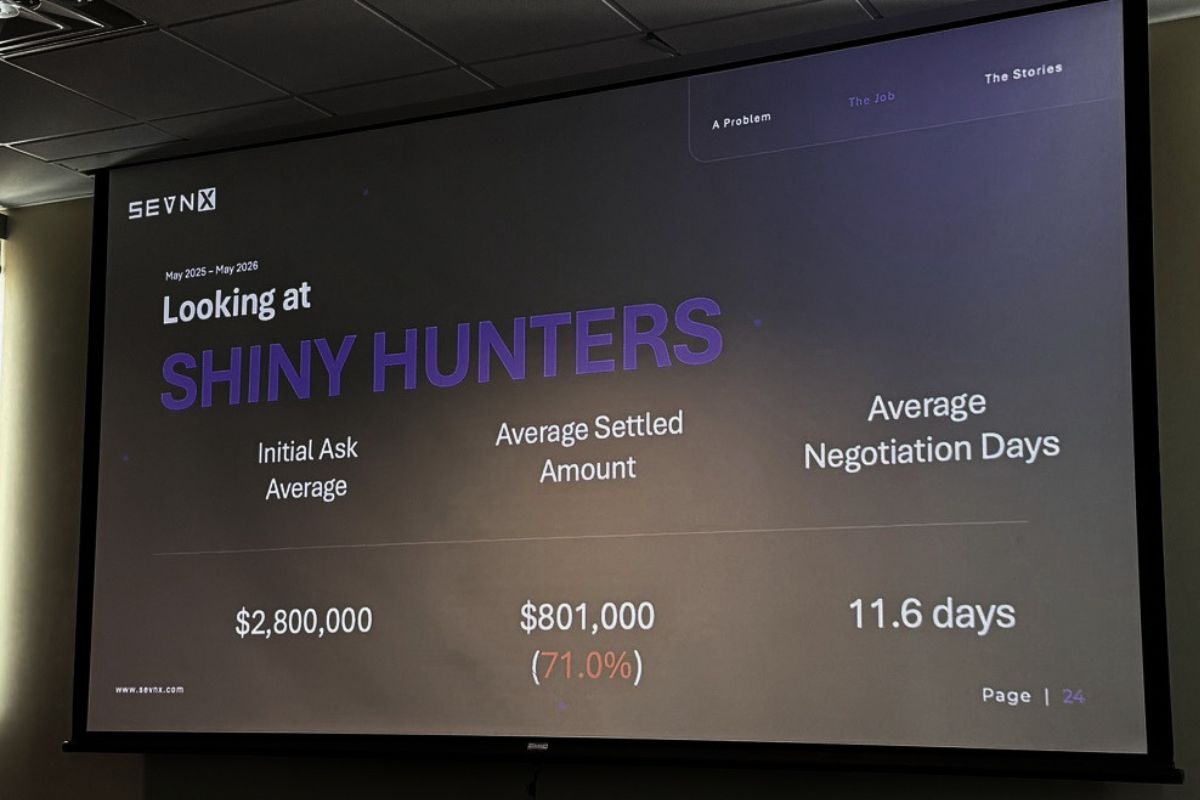
- Much higher initial asks
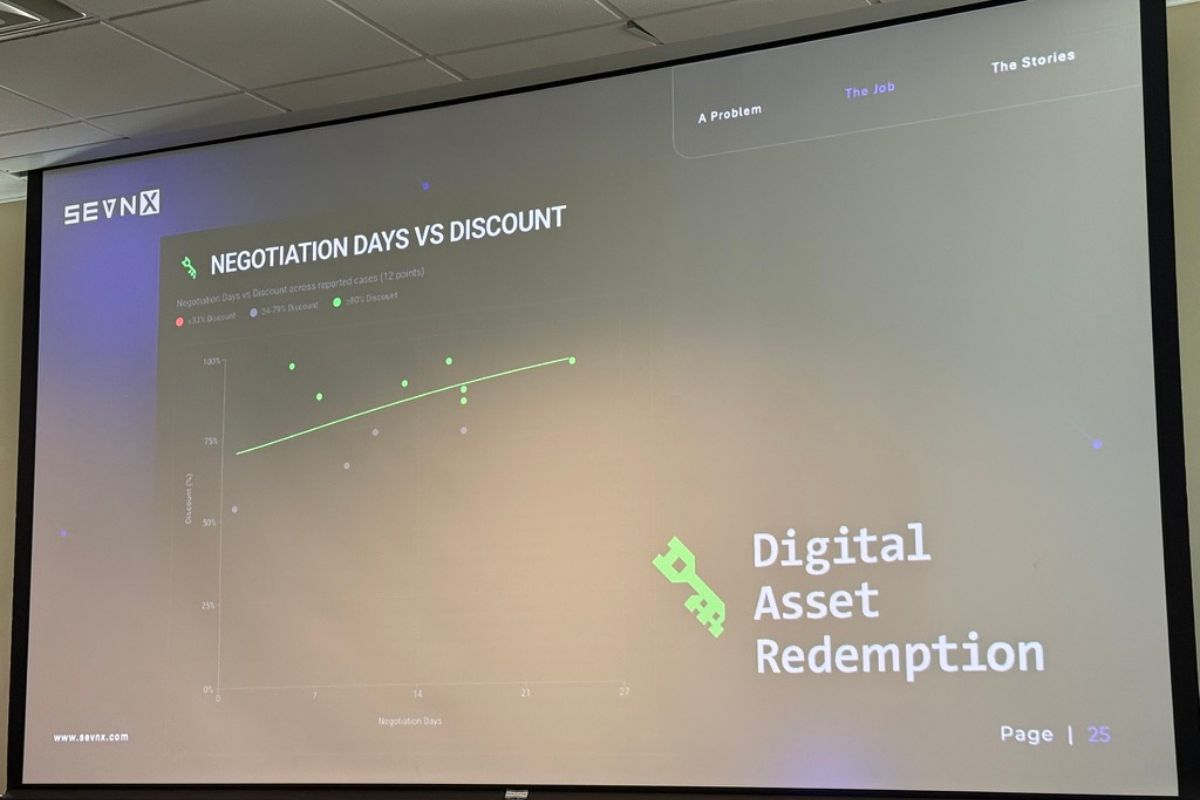
- Average discount: ~71%
- Much shorter duration. Matt called it “almost like a fire sale.” I like to think of them as the TJ Maxx or Ross of malware.
The shape of the discount curve is the interesting part: time on the x-axis, percent off on the y-axis, and the curve goes up and to the right. Like buying a car, except the dealership is in a sanctions-adjacent country and the test drive is your production environment.
A practical consequence: if you’re paying for recovery (your systems are down, you’re hemorrhaging money), you pay faster and you pay more. If you’re paying for suppression (they didn’t encrypt anything, they just exfiltrated data and are threatening to leak), you can drag it out for a bigger discount. Which is exactly what we just watched happen with Canvas — Instructure ultimately paid for suppression and “shred logs,” not recovery.
The Black Basta “I had COVID” story
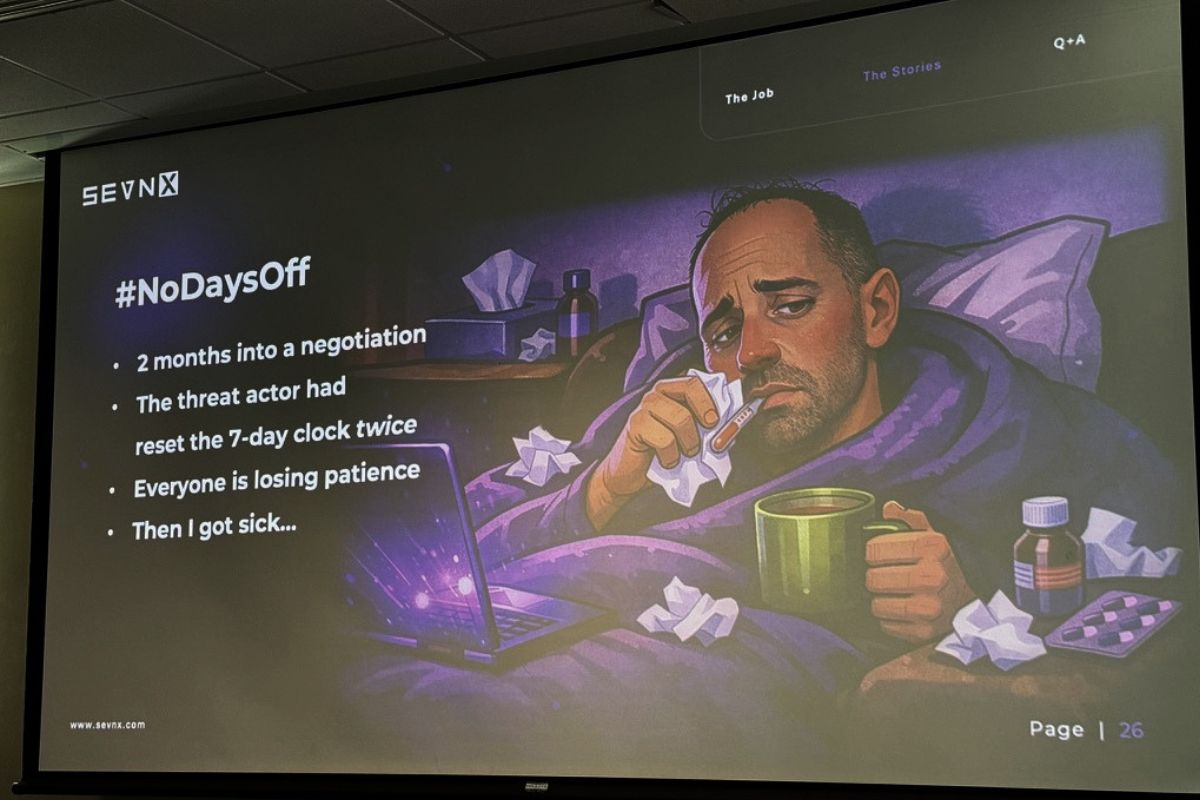
The single best war story of the talk involved Black Basta about a year and a half ago. The Black Basta victim portal, Matt said with what sounded like genuine professional admiration, is gorgeous. Looks like iMessage. Read receipts. Tight UX. “I wanted to send a meme. It doesn’t support that. The first ransomware group that allows GIFs [in their chats] is gonna be a work of art.”
But at the top of the portal: a countdown timer. Six days, twenty-three hours, fifty-nine minutes, fifty-eight seconds. Tick.
Matt was working a real case, was actually going to pay, and needed to stall. So he asked for more time. They gave him seven days. He asked again the following week. Seven more days. He was feeling pretty pleased with himself when, on the Friday of week three, they finally said: no more extensions. Pay or else.
Then Matt got on a flight home from Denver to King of Prussia, PA (which, as he pointed out, sounds like a Batman villain, as does his other hometown, Wayne, and look, I lived in Wayne; I can confirm it sounds exactly like the kind of place Bruce Wayne would buy a second house). He proceeded to get deathbed sick. Lost an entire weekend. Woke up Monday morning with roughly forty hours left on the clock and a portal full of increasingly unhinged messages from his criminal counterparts: “Are you there? Hello! I’m serious. Don’t make me do what I’m going to do.”
Matt typed back: “Really sorry, I got super sick. I think I had COVID.”
They gave him seven more days.
Matt’s rules of engagement (lightly paraphrased and worth tattooing somewhere)
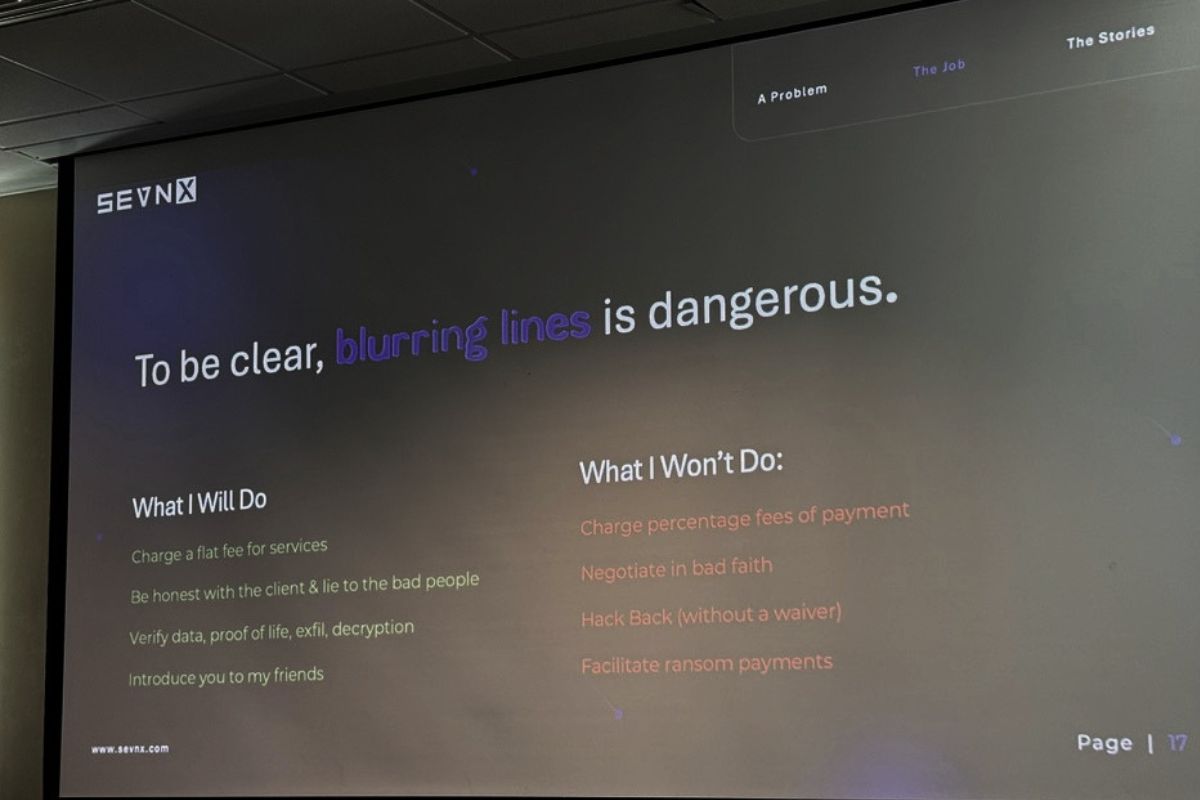
He’s a flat-fee operator. Never a percentage of savings — because at that point you’re not a negotiator, you’re a co-conspirator with a conflict of interest. (The two negotiators who got federally indicted for actively colluding with ALPHV BlackCat are the cautionary tale he doesn’t want to become.)
He will lie to criminals with abandon, but he won’t lie to clients.
He won’t negotiate in bad faith. If you tell him “just stall, we’re never paying a dime,” he walks. Because he’s seen what happens when threat actors realize they’ve been strung along. He told a story about a client that changed their mind at the last minute after a long negotiation. The group responded by publishing pediatric patients’ Social Security numbers on Facebook. One. At. A. Time, in a slow, painful, drip campaign.
He does not hack back. He has heard of illicit activities waivers. They take two to three years to get and they are not a Get Out of Jail Free card. They are, at best, a “you probably won’t go to jail” card.
He does not facilitate the actual payment, because (a) money laundering, (b) OFAC compliance is a specialty unto itself, and (c) the two payment-facilitation firms have current data on which Bitcoin addresses and chat fingerprints map to which sanctioned entities. He just does the talking.
The four things he wants from every threat actor
When Matt’s at the table, he is always asking for the same four things:
- The decryption key. Of course.
- Proof of deletion. Typically a screenshot, ideally a video. He has an eight-hour video of someone DoD-wiping a drive somewhere in his archive.
- How they got in. No guarantees on how honest they’ll be; sometimes ransomeware operators will literally copy-paste from a different victim’s report. Matt and another negotiator once compared notes and got the exact same “you had a Fortinet firewall” attribution for clients who, respectively, ran Meraki and Cisco.
- A promise to never do it again. Worth roughly what you’d expect, but worth getting in writing.
If he can get those four, he’s done his job.
Q&A
The Q&A ran long. A few highlights:
Where do ransomware group names come from? Matt blames CrowdStrike. Honestly, fair. “Every cool t-shirt you’ve ever gotten from Black Hat came from the CrowdStrike booth.” I jumped in to point out that Qilin (pronounced “CHEE-lin”) is a Chinese mythological creature usually translated as “unicorn” or, more delightfully, “magic giraffe.”
Is ransomware seasonal? Absolutely. American holidays, especially Thanksgiving, are target-rich, because skeleton crews and four-day weekends mean defenders are slow to respond. Attackers also take vacations themselves. Ransomware drops off in the summer months. Because who wants to be at their computer when the weather’s nice? Even criminals deserve a beach day.
Are you ever personally targeted? Matt’s whole career is built around not announcing himself as a negotiator on the live chat. He plays the dumb IT guy. He’s got a story about a colleague suggesting they ask the threat actor what a “botcoin” is (after one of them mistyped “Bitcoin” in a chat), and the threat actors spent two days patiently explaining cryptocurrency to him. “Best time stall ever.”
What about emotional toll? Matt has been a paramedic, a cop, and a firefighter. “I don’t know of a crisis I haven’t run head-first into. It’s a programming defect from up top.” Then: “Better living through pharmacology. Oh God, don’t call my therapist.”
What industries get hit hardest? Manufacturing. Not necessarily the most often, but the hardest, because of legacy systems. He told a story about a Pennsylvania university that literally cemented a Novell NetWare box into a basement wall during construction because it was running directory services and they didn’t want to unplug it. It’s been running since the ’80s. It’s still there.
Why I’m writing this up
Two reasons.
One: BSides Tampa is a regional con and the speaker quality this year was outstanding. Matt’s talk in particular deserves a wider audience than the room it ran in. It could’ve been a keynote.
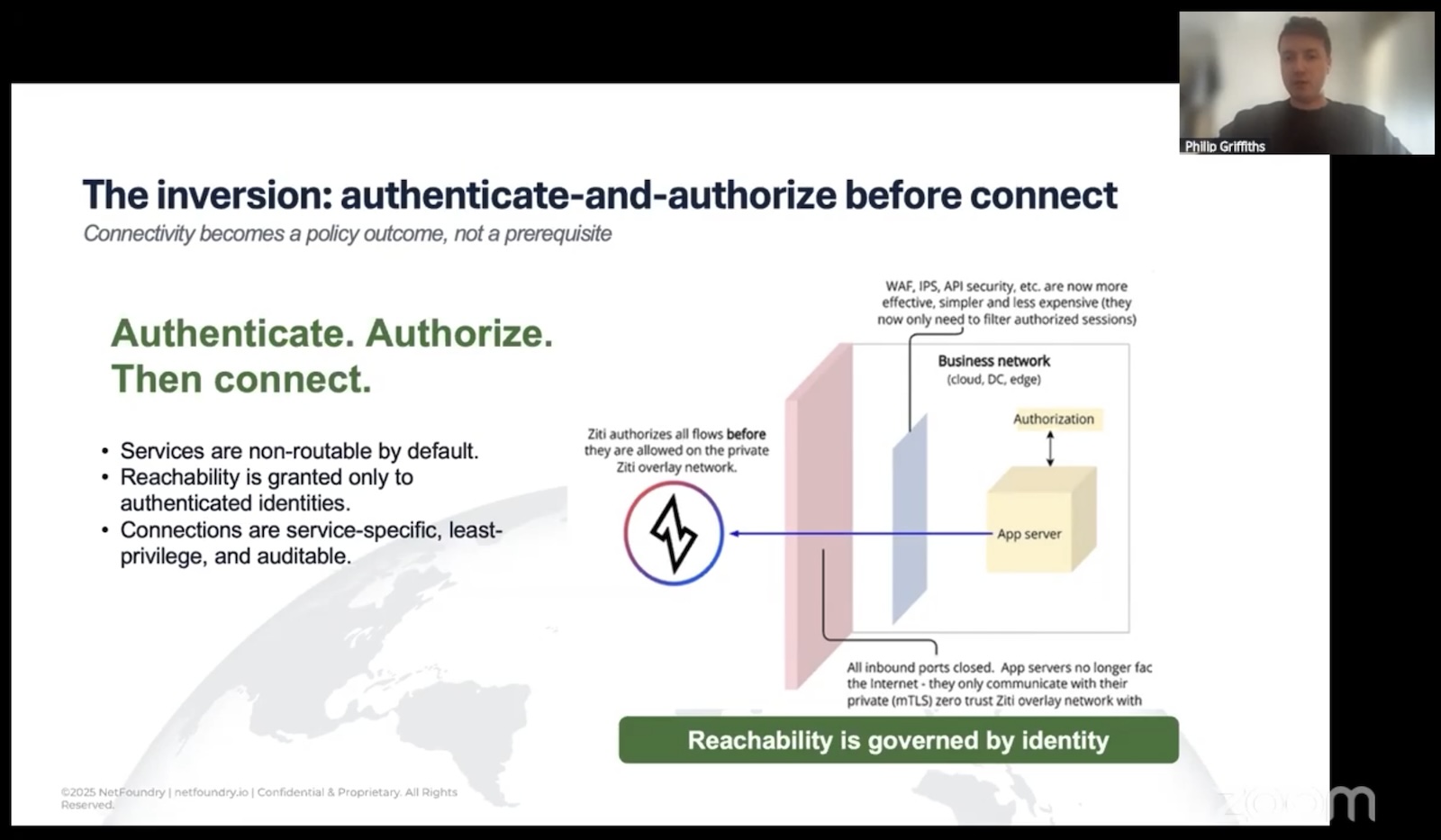
 Two: I spend most of my professional life right now thinking about zero trust and AI-plus-network-security at NetFoundry, and what Matt’s talk drove home (better than any threat report I’ve seen lately) is that the human layer of incident response is where most of the leverage is. You can do everything technically right at the perimeter and still lose a six-figure negotiation because somebody on your team panicked, told the truth at the wrong moment, or said the magic words that flipped a transactional extortion into a personal vendetta. Zero trust as a philosophy (not just a product category) is partly about acknowledging that humans will always be the soft target, and designing accordingly.
Also: I am now permanently delighted by the idea that every ransomware negotiator on the planet should adopt the alias “Matt” so that threat actor groups go forever convinced that U.S. companies are staffed by an army of identically-named slow-witted staff who don’t know what Bitcoin is. Matt, if you read this, I’m in. Sign me up.
Big thanks to Matt Barnett and SEVN-X for an outstanding session, and to the BSides Tampa crew for putting on one of the best regional security cons in the Southeast!
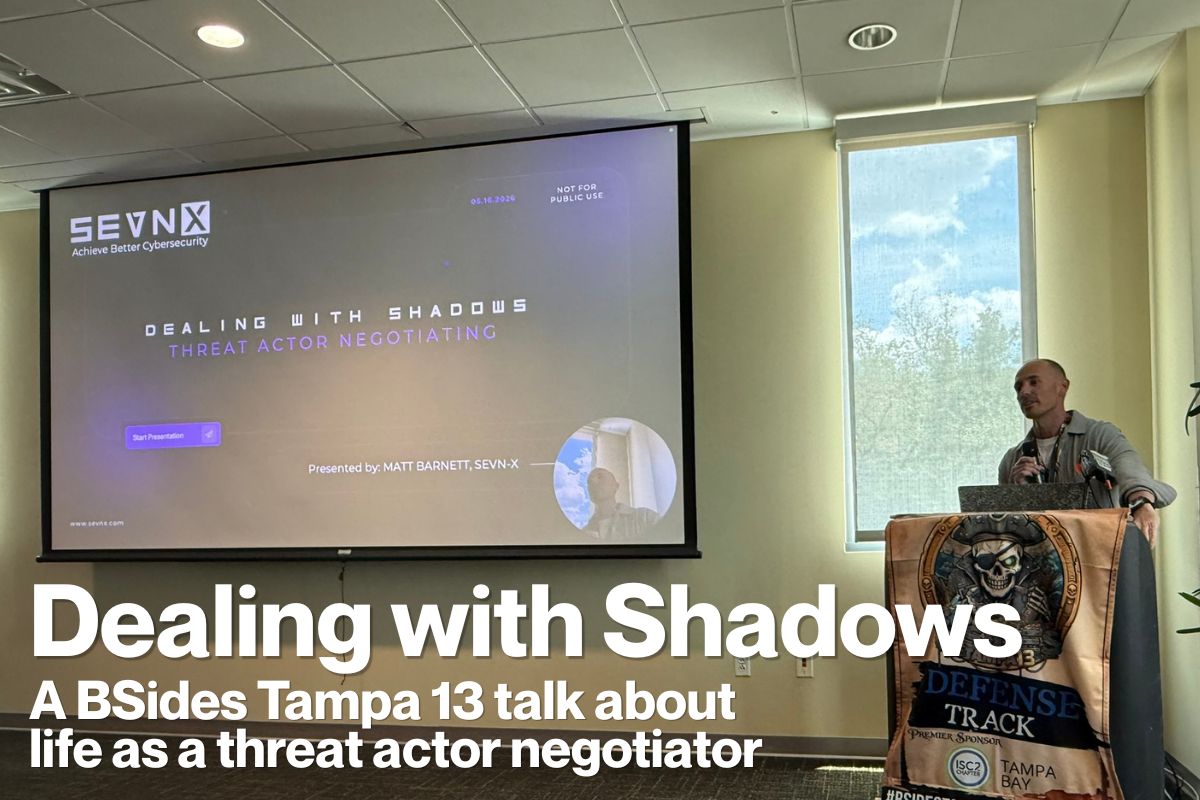
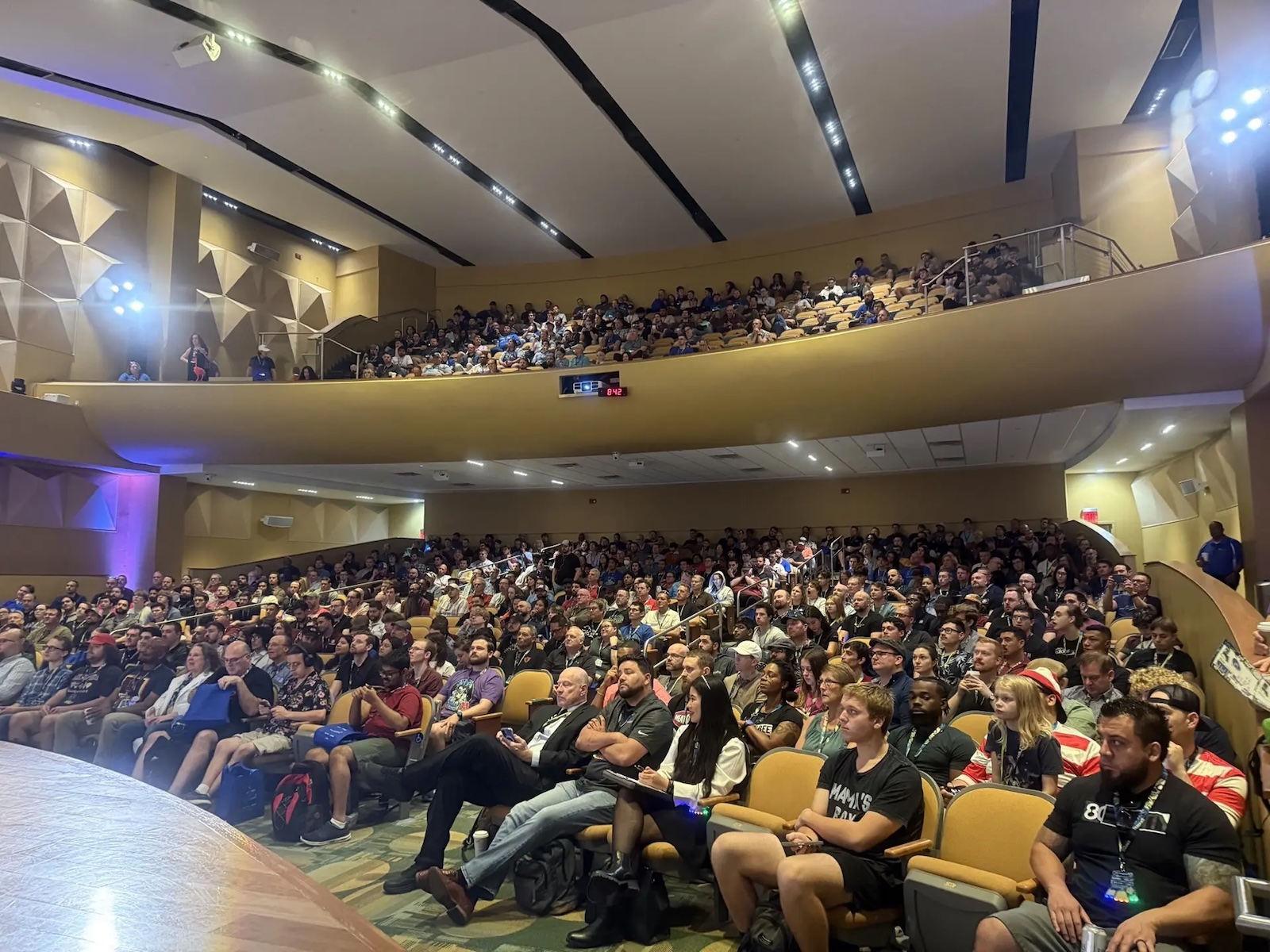
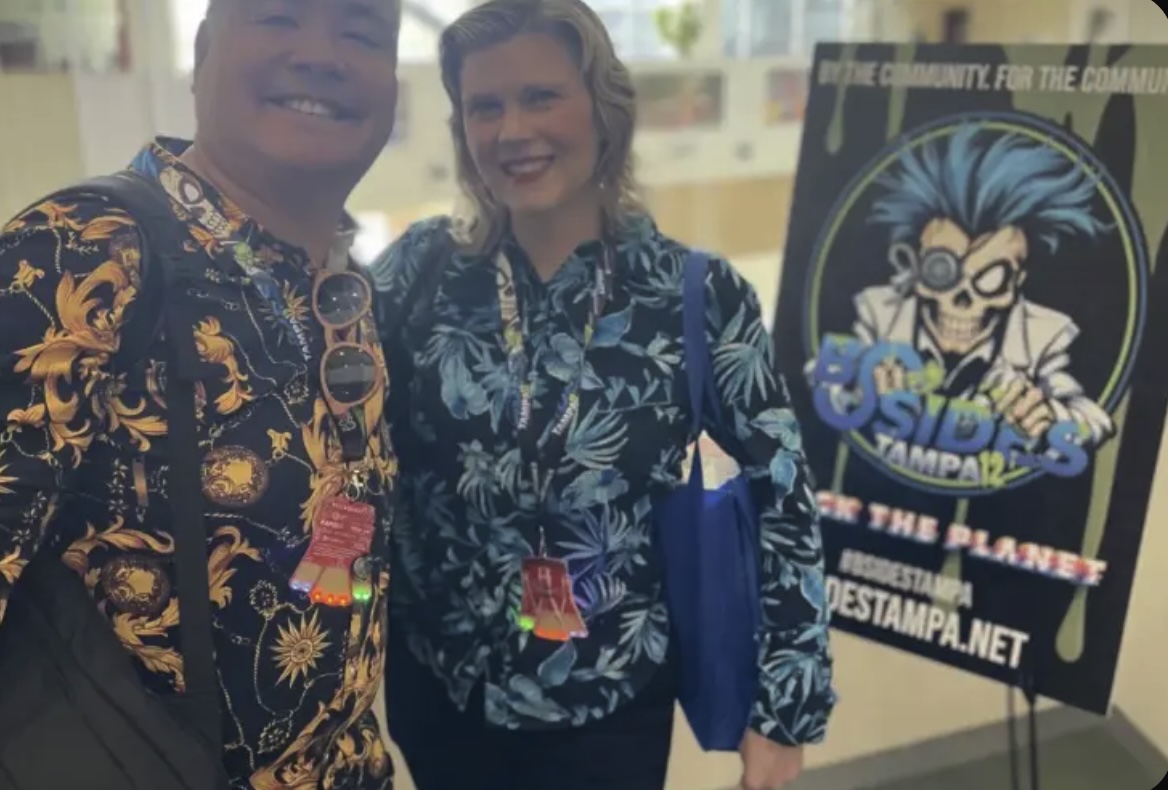


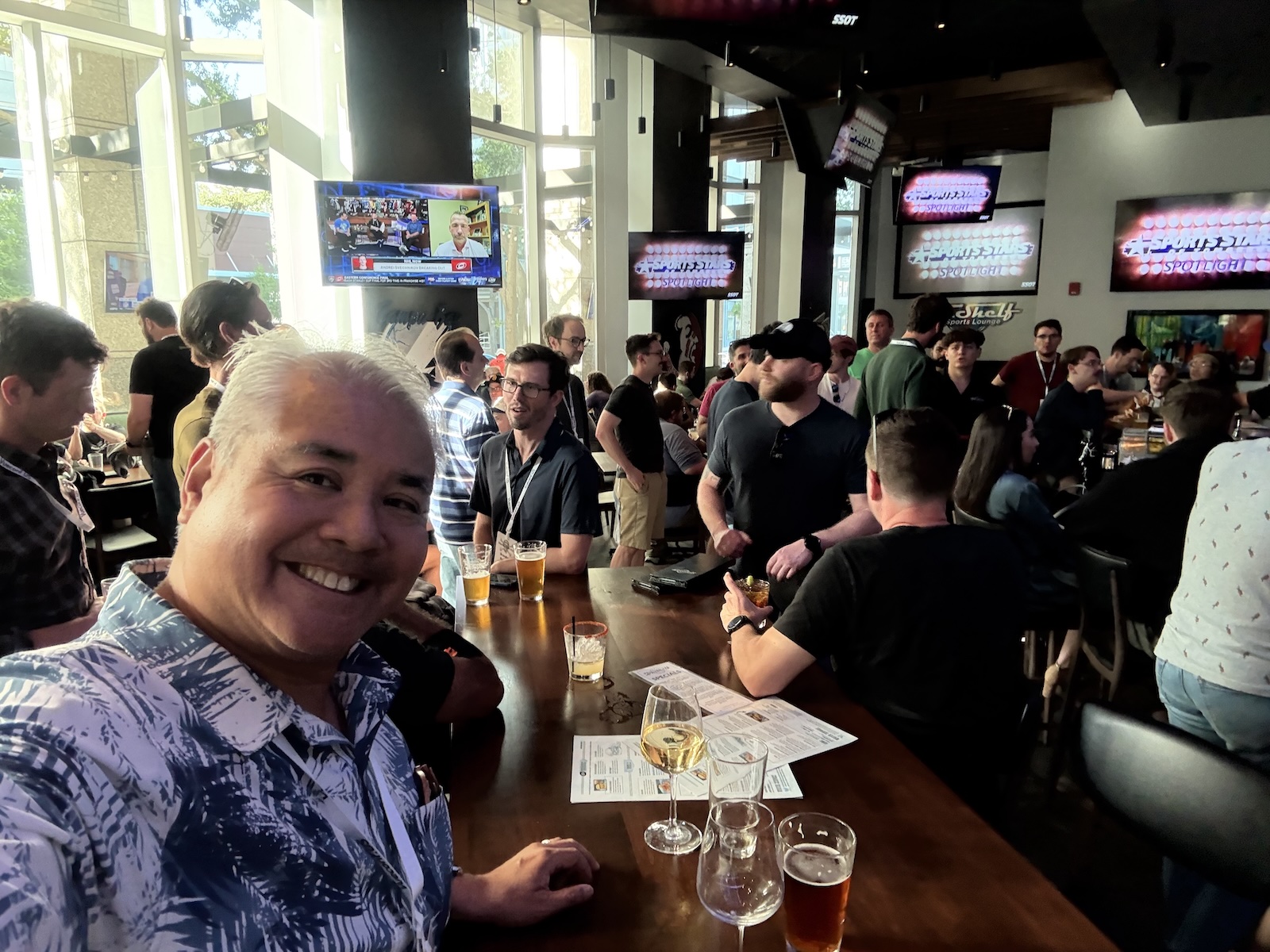
 So we went, learned a lot, and had a great time: